
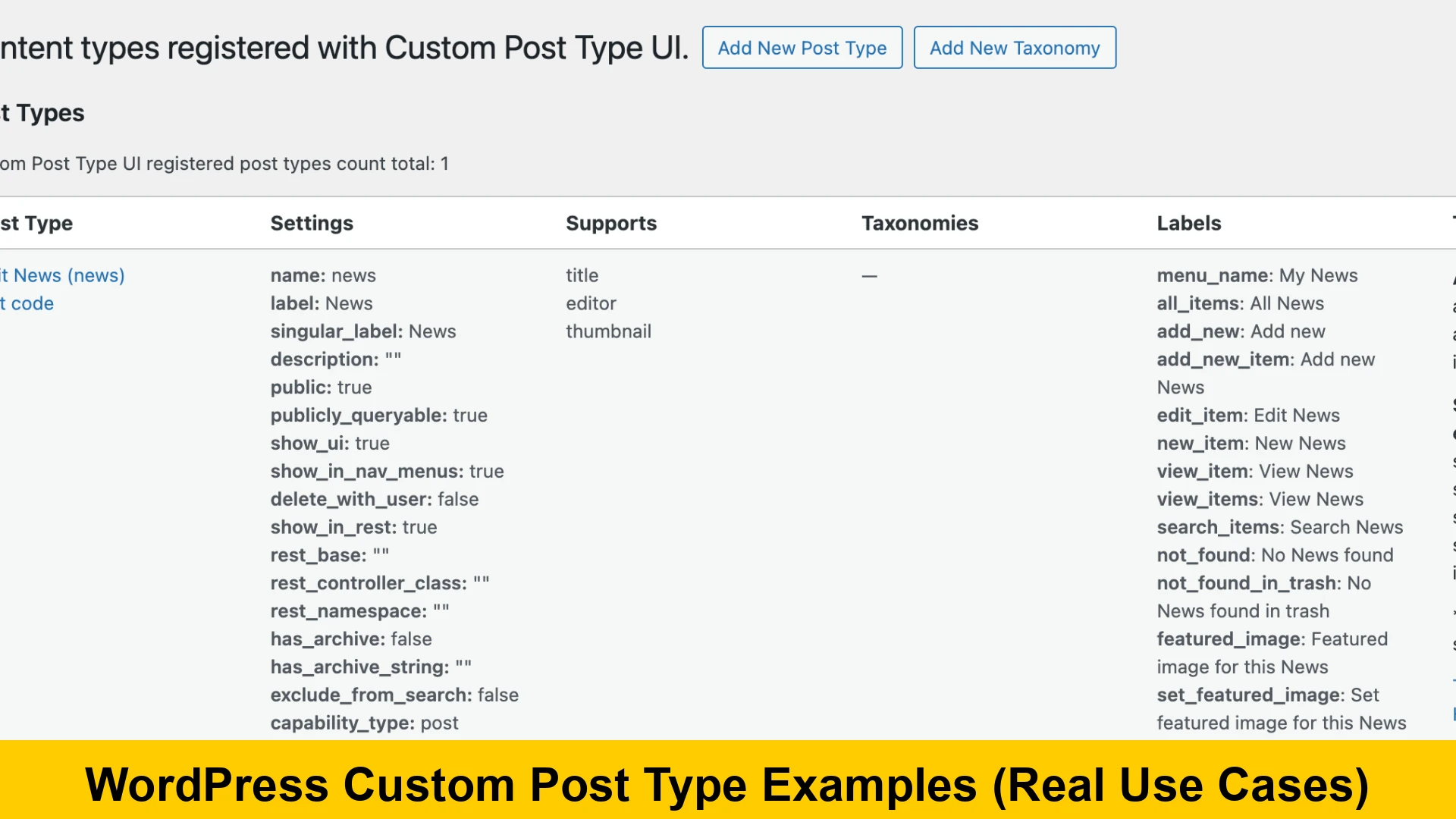
Introduction to WordPress Custom Post Types
When you first start using WordPress, you are introduced to two primary content types: Posts and Pages. While these are sufficient for a standard blog, modern web development often requires more specialized structures. This is where wordpress custom post type examples for beginners become essential. By understanding how to extend the default WordPress functionality, you can transform a simple blog into a powerful, database-driven engine tailored to any industry.
In this comprehensive guide, we will explore WP custom post types, looking at CPT real world examples and WordPress custom content types that demonstrate the flexibility of the platform. Whether you are building a site for a client or your own project, knowing how to use custom post types in wordpress is a fundamental skill for any developer or site owner.
What are WordPress Custom Post Types?
A Custom Post Type (CPT) is essentially a regular post with a different post_type value in the database. WordPress allows you to define your own types to categorize and display content more effectively. For instance, if you run a movie review site, you wouldn’t want your movie entries mixed in with your regular blog updates. By creating custom post types for portfolio websites or movie databases, you keep your dashboard organized and your front-end queries clean.
Before we dive into advanced custom post types examples, it is important to understand that CPTs allow for custom labels, distinct permalink structures, and specialized taxonomies (like genres for movies instead of just standard categories).
Real World Custom Post Type Examples for Developers
To truly grasp the power of this feature, let’s look at wordpress custom post type use cases and examples across various industries. These real world custom post type examples for developers showcase how the CMS can be molded to fit specific data requirements.
1. Real Estate Listings
A custom post type examples for wordpress real estate site is perhaps one of the most common use cases. In a real estate website, a “Property” is the core unit of content. Unlike a blog post, a property needs specific metadata like price, number of bedrooms, square footage, and location.
- Post Type: Properties
- Taxonomies: Property Type (House, Apartment, Commercial), Location (City, Neighborhood)
- Custom Fields: Price, Bathrooms, Year Built, Garage Space
By using CPTs here, you can create a dedicated search filter specifically for these properties without affecting your site’s blog search results.
2. Portfolio Items
When creating custom post types for portfolio websites, you allow designers and artists to showcase their work separately from their news or updates. A portfolio item might include an image gallery, a link to the live project, and the specific tools used (e.g., Photoshop, WordPress, React).
3. Testimonials and Reviews
Many business owners look for the best wordpress custom post type ideas for websites to improve social proof. Creating a “Testimonial” CPT allows you to easily loop through client quotes on your homepage or a dedicated testimonials page. You can include custom fields for the client’s company name, job title, and a headshot.
How to Create Custom Post Types in WordPress Without Plugin
While plugins like CPT UI are popular, many developers prefer how to create custom post types in wordpress without plugin to keep the site lean and reduce dependency on third-party code. You can achieve this by adding code to your theme’s functions.php file or a site-specific plugin.
Here is a basic example of how to register a “Books” post type manually:
function register_my_custom_post_types() {
    $args = array(
        'public' => true,
        'label'  => 'Books',
        'supports' => array('title', 'editor', 'thumbnail', 'excerpt'),
        'has_archive' => true,
        'rewrite' => array('slug' => 'books'),
        'menu_icon' => 'dashicons-book-alt',
    );
    register_post_type('book', $args);
}
add_action('init', 'register_my_custom_post_types');
This snippet is a perfect starting point for wordpress custom post type examples for beginners. It defines the visibility, the labels, and which features the post type supports (like the featured image or the editor).
Advanced Custom Post Types Examples
Moving beyond basic registration, advanced custom post types examples involve complex relationships and custom templates. For instance, in an educational platform, you might have a “Courses” CPT and a “Lessons” CPT. Using a relational field (often via the Advanced Custom Fields plugin), you can link specific lessons to a parent course.
Another advanced use case is creating a “Staff” or “Team” directory. Each member has their own profile, social links, and bio. By utilizing WP custom post types, you can ensure that the design remains consistent across the entire organization’s directory.
For more technical documentation on the registration process, you can visit the official WordPress Developer Reference.
Best WordPress Custom Post Type Ideas for Websites
If you are looking for inspiration, here are some of the best wordpress custom post type ideas for websites that can add immense value to your projects:
- Events: Manage dates, venues, and ticket links for conferences or local meetups.
- Services: If you are a service-based business, separate your offerings (Plumbing, Electrical, HVAC) into CPTs for better SEO and landing page structure.
- FAQs: Create a centralized library of frequently asked questions that can be toggled on various pages.
- Coupons: Ideal for affiliate marketers who want to manage discount codes in a structured way.
- Restaurants/Menus: Separate breakfast, lunch, and dinner menus with pricing and dietary information.
SEO Benefits of Custom Post Types
Using WordPress custom content types isn’t just about organization; it’s a powerful SEO strategy. When you use how to use custom post types in wordpress effectively, you create a clear site architecture. Google and other search engines can better understand the context of your pages. For example, a URL like yoursite.com/properties/luxury-villa is much more descriptive than a generic post URL.
Furthermore, when you use specific taxonomies for your CPTs, you create more internal linking opportunities. This helps spread link equity throughout your site, which is crucial for ranking for competitive terms related to wordpress custom post type use cases and examples.
To learn more about optimizing your WordPress site structure, check out this guide on WPBeginner’s CPT Tutorial.
Conclusion
Mastering wordpress custom post type examples for beginners is the first step toward becoming a proficient WordPress developer. By leveraging CPT real world examples, from real estate listings to portfolio items, you can build websites that are far more functional and user-friendly than standard blogs. Whether you choose to learn how to create custom post types in wordpress without plugin or use advanced tools, the ability to structure data specifically for your needs is what sets high-quality websites apart.
Start experimenting with these best wordpress custom post type ideas for websites today and see how they can streamline your content management and boost your site’s performance.