
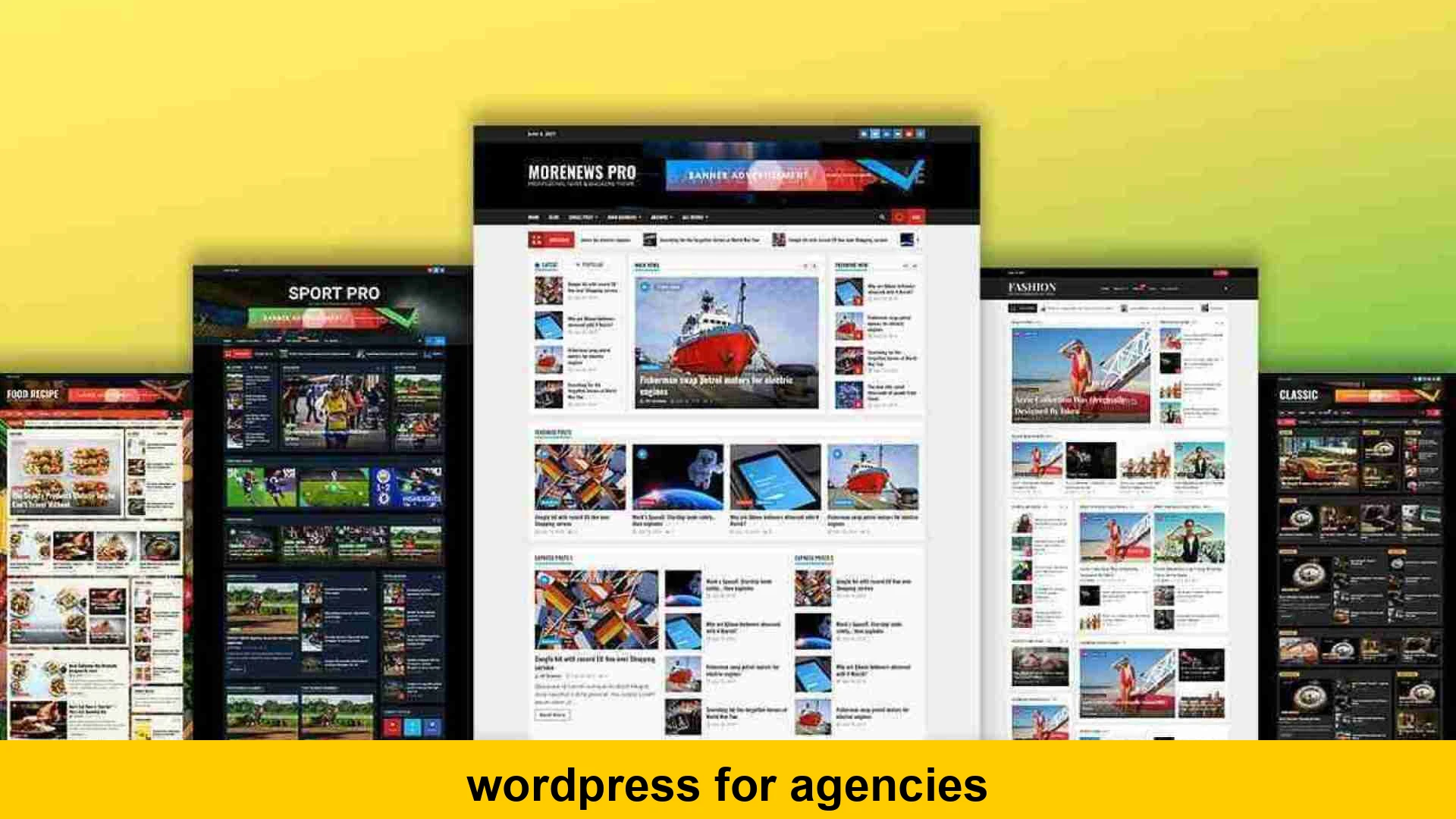
In the dynamic world of digital marketing and web development, agencies are constantly seeking robust, flexible, and scalable platforms to deliver exceptional results for their clients. Among the myriad of choices, WordPress consistently stands out as a formidable contender. Far from being just a blogging tool, modern WordPress has evolved into a comprehensive content management system (CMS) that offers unparalleled versatility, making it an ideal choice for agencies of all sizes. This deep dive into WordPress for agencies will explore why it’s a preferred platform, how to leverage its power for client projects, and the best practices for maximizing its potential to build a thriving agency business.
Whether you’re a marketing agency building lead-generation websites, a web development firm crafting intricate e-commerce solutions, or a digital agency managing a diverse portfolio of clients, understanding the full scope of WordPress solutions for agencies is crucial. We’ll cover everything from development workflows to client management, ensuring you have a clear roadmap to integrate WordPress effectively into your agency’s service offerings.
Why WordPress is the Go-To Platform for Agencies
The ubiquity of WordPress isn’t accidental; it’s a testament to its inherent strengths that align perfectly with agency needs. Its open-source nature, vast community, and continuous development make it a powerful ally for any digital agency.
Unmatched Flexibility and Customization
One of the primary reasons agencies gravitate towards WordPress is its incredible flexibility. Unlike many proprietary systems, WordPress allows for virtually limitless customization. From bespoke themes and plugins to custom post types and taxonomies, agencies can mold WordPress to fit the exact requirements of any client project. This means you’re not confined by templates or rigid structures, enabling you to build truly unique and high-performing digital experiences.
Cost-Effectiveness and Open Source Advantage
Being an open-source platform, the core WordPress software is free. This significantly reduces initial development costs for agencies and their clients. While premium themes, plugins, and professional services certainly incur costs, the foundation remains free, allowing agencies to allocate budget more effectively towards custom development, design, and marketing efforts. The vast ecosystem of free and premium resources also contributes to its cost-effectiveness, providing readily available solutions for common functionalities.
Vast Ecosystem of Plugins and Themes
The WordPress repository boasts tens of thousands of plugins and themes, covering almost every conceivable functionality. Need an SEO tool? There’s Yoast or Rank Math. E-commerce? WooCommerce is the industry standard. Page building? Elementor, Beaver Builder, or Divi are robust options. This extensive ecosystem means agencies can often find pre-built solutions that save development time and resources, accelerating project delivery without sacrificing quality. This makes using WordPress in a web agency incredibly efficient.
SEO Friendliness Out-of-the-Box
WordPress is inherently built with SEO in mind. Its clean code structure, customizable permalinks, and ease of integrating SEO plugins make it a dream for marketing agencies focused on organic search. Agencies can implement on-page SEO best practices with ease, ensuring client websites are optimized for visibility and ranking from day one. This makes wordpress services for marketing agencies a natural fit, allowing them to deliver strong organic results.
Empowering Clients with Ease of Use
A major benefit for agencies is WordPress’s user-friendly interface. Once a site is built, clients can easily manage their content, update pages, and even publish blog posts without needing extensive technical knowledge. This self-sufficiency reduces client support requests for simple tasks, freeing up agency resources to focus on more strategic initiatives. Providing clients with control over their digital assets fosters trust and satisfaction, enhancing wordpress client management.
Building a Scalable WordPress Infrastructure for Agencies
For an agency, scalability isn’t just a buzzword; it’s a necessity. Managing multiple client sites requires a robust, efficient, and standardized approach to WordPress development and deployment.
Choosing the Right Hosting Partner
The foundation of any successful WordPress project is reliable hosting. For agencies, shared hosting simply won’t cut it. Agencies should consider:
- Managed WordPress Hosting: Services like WP Engine, Kinsta, or Flywheel offer optimized environments, automated backups, staging sites, and excellent support, which are invaluable for agencies.
- VPS or Cloud Hosting: For greater control and scalability, a Virtual Private Server (VPS) or cloud platforms (AWS, Google Cloud, DigitalOcean) can be configured for high performance, especially with tools like RunCloud or GridPane.
- Dedicated Servers: For agencies managing very high-traffic sites or mission-critical applications, a dedicated server might be necessary.
Evaluating providers based on performance, security, staging environments, developer tools, and pricing models is key to finding the best WordPress setup for agencies.
Streamlined Development Workflow and Version Control
A professional agency relies on a structured development process. This typically involves:
- Local Development: Tools like Local by WP Engine, DesktopServer, or Docker allow developers to build and test sites locally without affecting live environments.
- Staging Environments: A copy of the live site where changes can be tested before deployment. Most managed hosts offer this, or it can be set up manually.
- Version Control (Git): Essential for team collaboration, tracking changes, and reverting to previous versions if needed. GitHub, GitLab, or Bitbucket are popular choices.
- Automated Deployment: Tools like Capistrano, DeployBot, or custom scripts can automate the process of moving code from development to staging and production.
Implementing a robust development workflow ensures consistency, reduces errors, and improves team efficiency in agency WordPress development.
<?php
/
  Register a custom post type 'Project' for agency portfolio.
 /
function agency_register_project_cpt() {
    $labels = array(
        'name'          => _x('Projects', 'Post Type General Name', 'text_domain'),
        'singular_name' => _x('Project', 'Post Type Singular Name', 'text_domain'),
        'menu_name'     => __('Projects', 'text_domain'),
        'all_items'     => __('All Projects', 'text_domain'),
        'add_new_item'  => __('Add New Project', 'text_domain'),
        'add_new'       => __('Add New', 'text_domain'),
        'new_item'      => __('New Project', 'text_domain'),
        'edit_item'     => __('Edit Project', 'text_domain'),
        'update_item'   => __('Update Project', 'text_domain'),
        'view_item'     => __('View Project', 'text_domain'),
        'search_items'  => __('Search Project', 'text_domain'),
    );
    $args = array(
        'label'               => __('Project', 'text_domain'),
        'description'         => __('Portfolio projects for your agency', 'text_domain'),
        'labels'              => $labels,
        'supports'            => array('title', 'editor', 'thumbnail', 'excerpt'),
        'taxonomies'          => array('category', 'post_tag'),
        'hierarchical'        => false,
        'public'              => true,
        'show_ui'             => true,
        'show_in_menu'        => true,
        'menu_position'       => 5,
        'menu_icon'           => 'dashicons-portfolio',
        'show_in_admin_bar'   => true,
        'show_in_nav_menus'   => true,
        'can_export'          => true,
        'has_archive'         => true,
        'exclude_from_search' => false,
        'publicly_queryable'  => true,
        'capability_type'     => 'post',
    );
    register_post_type('project', $args);
}
add_action('init', 'agency_register_project_cpt', 0);
?>
Explanation: This PHP code snippet demonstrates how an agency might register a custom post type (CPT) for ‘Projects’ in WordPress. This allows agencies to create structured content for their portfolio items, separate from standard posts and pages, making it easier to manage and display specific types of content relevant to their business or clients. This is a fundamental technique in wordpress development for agencies.
Key WordPress Tools and Strategies for Agency Success
Beyond the core installation, several tools and strategies can elevate an agency’s WordPress capabilities.
Powerful Page Builders and Theme Frameworks
Modern page builders like Elementor, Beaver Builder, and Divi have revolutionized WordPress development, enabling agencies to create complex layouts and designs visually without extensive coding. This speeds up the design process and allows non-developers to contribute. For custom work, theme frameworks like Genesis or Sage provide a solid, secure foundation upon which bespoke themes can be built efficiently. These are indispensable wordpress tools for agencies.
Custom Post Types and Advanced Custom Fields (ACF)
For truly dynamic and client-specific content, Custom Post Types (CPTs) and Advanced Custom Fields (ACF) are invaluable. CPTs allow agencies to create new content types (e.g., ‘Team Members’, ‘Case Studies’, ‘Products’) beyond the standard ‘Posts’ and ‘Pages’. ACF then allows you to add specific fields to these CPTs (e.g., ‘Job Title’, ‘Client Logo’, ‘Testimonial Quote’). This structured content approach makes sites easier for clients to manage and ensures consistency. For scalable wordpress for agencies, this is a must-have.
Considering Headless WordPress for Advanced Projects
For performance-critical applications, or when a decoupled frontend is desired, Headless WordPress (or Decoupled WordPress) is gaining traction. Here, WordPress serves purely as a backend content repository (the ‘head’ is removed), with the frontend built using modern JavaScript frameworks like React (Next.js) or Vue (Nuxt.js), or static site generators like Gatsby. This approach offers superior performance, enhanced security, and greater flexibility for sophisticated projects, making it a powerful option for agency web development platform needs when high performance and custom frontends are paramount.
Multisite vs. Single Site Installations for Clients
Agencies often face the decision of whether to use WordPress Multisite or manage individual WordPress installations for each client. Each has its pros and cons:
- WordPress Multisite: Ideal for managing a network of closely related sites (e.g., subdomains for different departments of a single client, or a white-label solution for small clients with similar needs). Centralized updates and plugin management can be a huge time-saver. However, a security breach on one site can affect the entire network, and performance can be an issue if not properly managed. This is key for wordpress multisite for agency clients.
- Individual Installations: Provides maximum isolation and flexibility for each client. Each site can have its own themes, plugins, and custom configurations without impacting others. This is generally preferred for diverse client portfolios, though it requires more effort for maintenance and updates across multiple dashboards. This is often the approach for agencies needing to know how marketing agencies use wordpress for clients with unique requirements.
White-Label Solutions and Client Reporting
Many agencies opt for white label WordPress solutions for agencies to reinforce their brand. This involves customizing the WordPress admin area (e.g., removing WordPress branding, adding agency logos, creating custom dashboards) to provide a seamless, branded experience for clients. Furthermore, integrating client reporting tools (e.g., analytics dashboards, uptime monitoring) directly into the WordPress admin or through external dashboards provides transparency and demonstrates value.
Managing WordPress Projects Effectively for Clients
A structured approach to project management is crucial for delivering successful WordPress projects consistently.
Discovery and Planning
This initial phase involves understanding the client’s business, goals, target audience, and functional requirements. Detailed wireframing, sitemaps, and a comprehensive project brief set the stage for development. This ensures both the agency and client are aligned on the project scope and deliverables.
Design and Development Iterations
Agencies should adopt an iterative design and development process, involving the client at key stages. This might include presenting mockups, then a functional prototype on a staging server. Regular feedback loops help refine the design and functionality, preventing costly rework later on. For choosing wordpress as an agency platform, this flexibility is a huge advantage.
Quality Assurance and Testing
Thorough testing is non-negotiable. This includes:
- Functionality Testing: Ensuring all features work as expected.
- Cross-Browser/Device Testing: Verifying responsiveness and compatibility across different browsers and screen sizes.
- Performance Testing: Checking load times and server responses.
- Security Audits: Identifying and patching potential vulnerabilities.
- Accessibility Testing: Ensuring the site meets accessibility standards (WCAG).
Launch and Post-Launch Support
The launch process should be meticulously planned, including pre-launch checklists and a strategy for going live. Post-launch, agencies should offer ongoing maintenance, security updates, backups, and performance monitoring. Providing clear documentation and training for clients is also essential for their long-term success with the platform, minimizing the agency’s support burden.
Addressing Challenges in WordPress for Agencies
While WordPress offers immense benefits, agencies must also be prepared to address common challenges.
Security Concerns and Best Practices
As the most popular CMS, WordPress is a frequent target for malicious attacks. Agencies must implement robust security measures for all client sites:
- Strong Passwords and User Permissions: Enforce strong, unique passwords and adhere to the principle of least privilege.
- Regular Updates: Keep WordPress core, themes, and plugins updated to their latest versions.
- Security Plugins: Utilize reputable security plugins like Wordfence or Sucuri.
- Firewalls and Malware Scans: Implement server-level firewalls and regularly scan for malware.
- Backups: Implement automated, off-site backup solutions.
- SSL Certificates: Ensure all sites use HTTPS.
Staying vigilant about security is paramount, especially when managing multiple wordpress sites for agency clients.
Plugin and Theme Conflicts
The vast ecosystem can sometimes lead to conflicts between plugins or between a plugin and a theme. Agencies should:
- Vet Plugins Carefully: Use well-maintained plugins with good reviews and regular updates.
- Test Thoroughly: Always test new plugins or updates on a staging environment first.
- Minimize Plugins: Only install essential plugins to reduce potential conflict points and improve performance.
- Debug Systematically: Learn to debug conflicts by deactivating plugins one by one or using tools like Query Monitor.
Performance Optimization
Slow websites lead to poor user experience and lower search rankings. Agencies must prioritize performance:
- Caching: Implement robust caching solutions (e.g., WP Rocket, LiteSpeed Cache).
- Image Optimization: Compress and properly size images.
- Database Optimization: Regularly clean and optimize the WordPress database.
- Code Minification: Minify HTML, CSS, and JavaScript.
- CDN Integration: Use a Content Delivery Network (CDN) to serve static assets faster.
- Quality Hosting: As mentioned, choose high-performance hosting.
These practices are essential for delivering scalable wordpress for agencies that perform under load.
Client Training and Education
While WordPress is user-friendly, clients still need proper training. Agencies should provide:
- Customized Documentation: Tailored guides for their specific website.
- Video Tutorials: Short, easy-to-follow videos for common tasks.
- Training Sessions: Live (virtual or in-person) walkthroughs of the admin area.
- Ongoing Support: A clear process for clients to get help when needed.
Future-Proofing Your Agency’s WordPress Strategy
The digital landscape is ever-evolving, and agencies must adapt their WordPress strategy to stay ahead. Embracing modern development practices, exploring new technologies like block-based editing (Gutenberg) and full site editing, and continuously educating your team are vital. Consider investing in developer training for your team to stay current with the latest WordPress advancements and security protocols. Exploring new services like ongoing maintenance packages or specialized performance optimization services can also expand your agency’s offerings and recurring revenue. For further insights into WordPress best practices, WordPress.org’s support resources are an invaluable starting point.
Agencies can also explore integrations with CRM systems, marketing automation platforms, and project management tools to streamline their internal operations and enhance client service delivery. Consider tools that help manage multiple WordPress installations more efficiently. Solutions like MainWP or ManageWP can significantly reduce the overhead of managing multiple WordPress sites for agency clients, offering centralized dashboards for updates, backups, and security scans.
Staying informed about the latest trends in web design and development, such as accessibility standards and core web vitals, ensures that the wordpress development for agencies remains cutting-edge and compliant. Prioritize building reusable components and a robust internal library of custom themes and plugins, which can drastically improve efficiency and consistency across client projects. This proactive approach will solidify your position as a leader in providing comprehensive wordpress solutions for agencies.
Conclusion
For modern digital and web development firms, WordPress for agencies is not just an option; it’s a strategic advantage. Its unparalleled flexibility, vast ecosystem, SEO capabilities, and user-friendliness make it an incredibly powerful platform for building high-quality, scalable websites for clients across diverse industries. By adopting best practices in hosting, development workflows, security, and performance optimization, agencies can harness the full potential of WordPress.
From leveraging sophisticated plugins like ACF and intuitive page builders to exploring advanced architectures like headless WordPress, the platform provides the tools necessary for scalable WordPress for agencies. By focusing on efficient client management, thorough project execution, and continuous learning, agencies can solidify their position as experts in delivering top-tier WordPress services. Embracing WordPress isn’t just about building websites; it’s about building a sustainable, profitable future for your agency in the competitive digital landscape. For more information on optimizing server performance for WordPress, a reliable resource like Kinsta’s WordPress Performance guide can provide excellent technical advice, and a general web development resource such as MDN Web Docs on Accessibility can help ensure your client sites are inclusive.